System Health
Path: /system-health
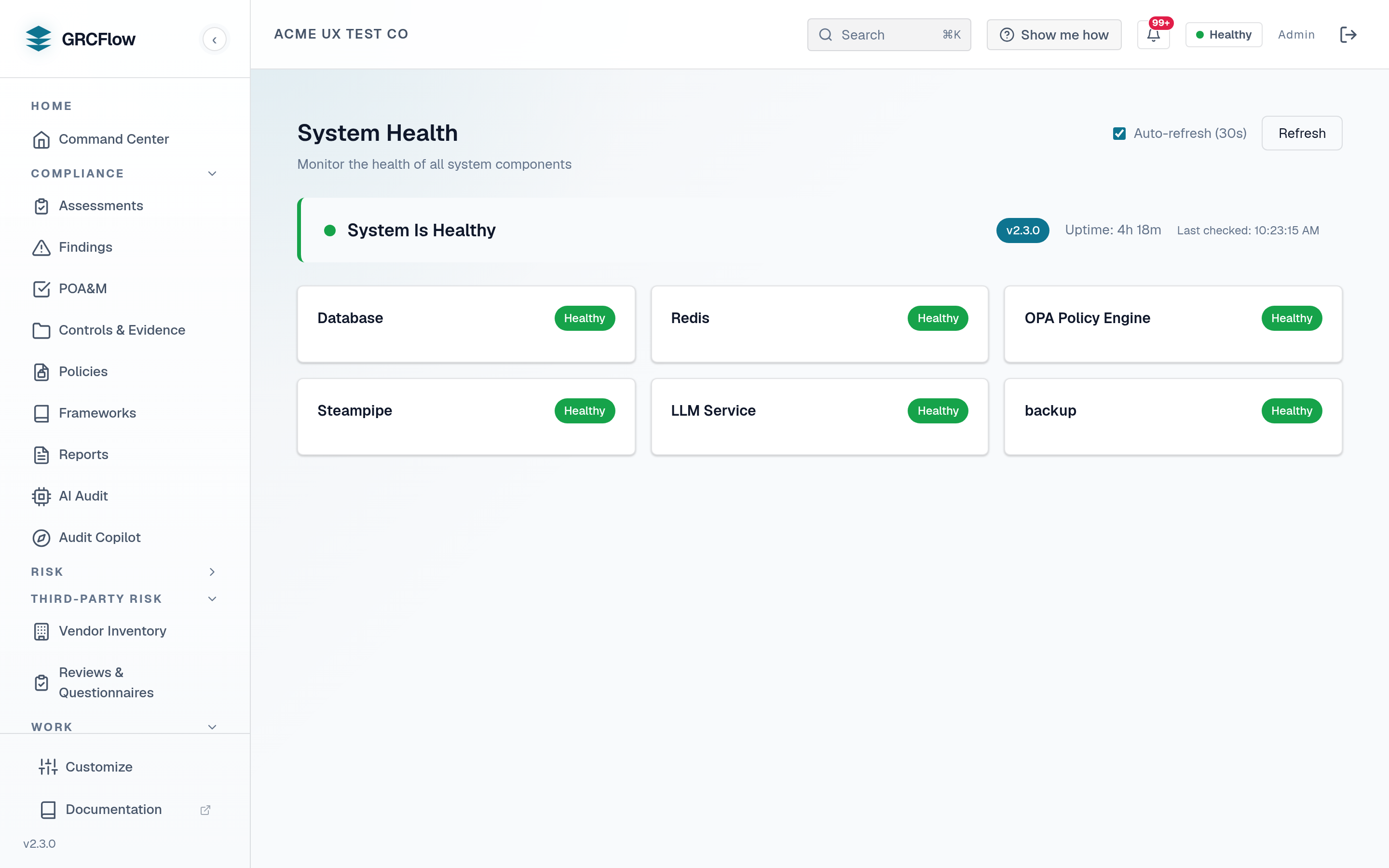
Real-time system health monitoring showing the status of all infrastructure components.
Key Elements
- Overall status banner - Healthy (green), Degraded (amber), or Unhealthy (red).
- Version and uptime - Current software version and how long the system has been running.
- Component cards - Individual status for each component:
- Database (PostgreSQL) - Primary data store.
- Redis Cache - Session and query cache.
- OPA Policy Engine - Automated policy evaluation.
- Steampipe - Cloud infrastructure querying.
- LLM Service - AI audit assistance.
- Auto-refresh - Toggleable 30-second auto-refresh with manual refresh button.
Status Meanings
| Status | Description |
|---|---|
| Healthy | Component is running normally |
| Degraded | Component is running with reduced functionality |
| Unhealthy | Component is not responding |
| Unknown | Component status could not be determined |
Tip
"Degraded" overall status typically means the LLM service is not configured - all other components should be Healthy.
Database
PostgreSQL is the bundled primary data store and works out of the box. Its live status appears in the component cards under Key Elements.
Redis
Redis is the bundled session and query cache and works out of the box. Its live status appears in the component cards under Key Elements.